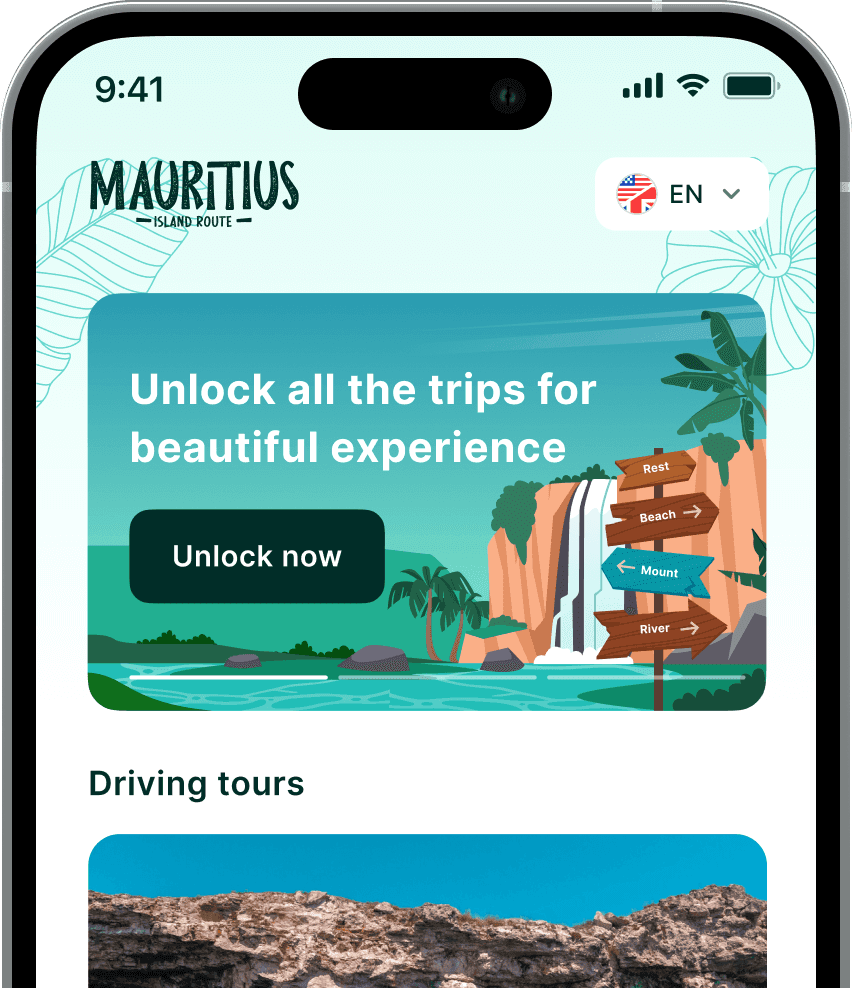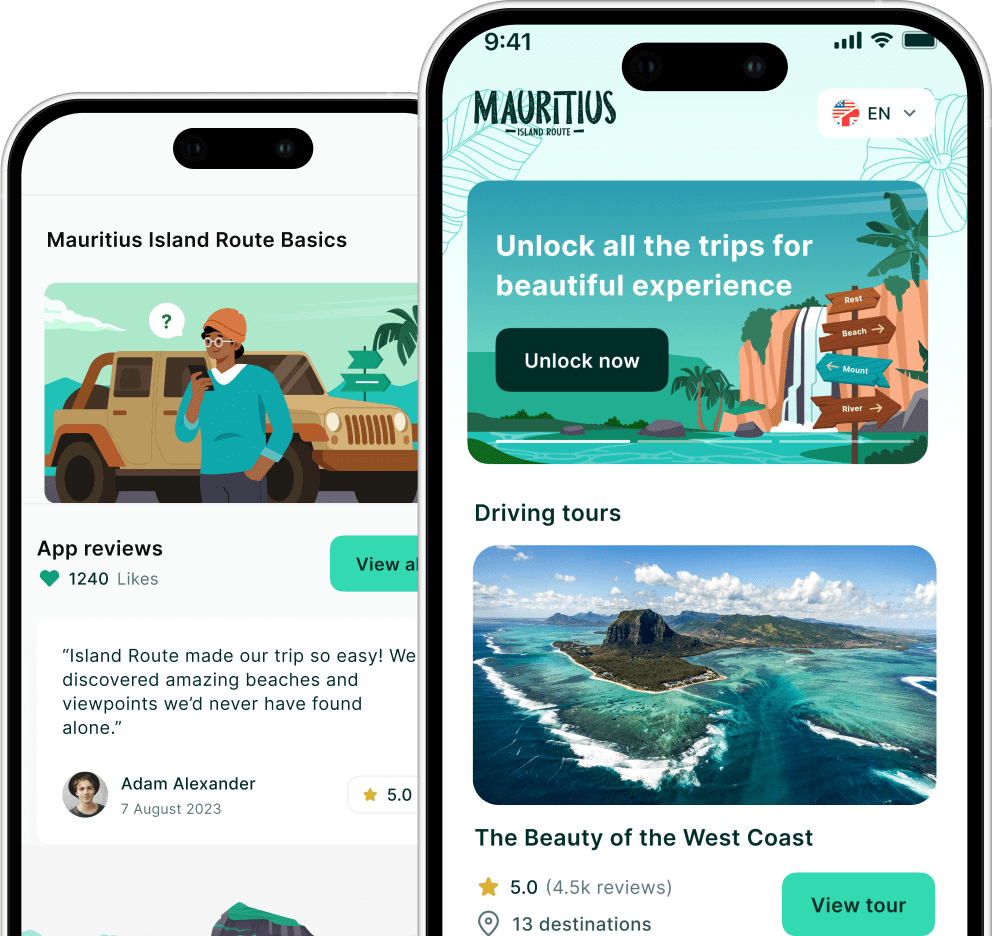

This is how to use the Mauritius Island Route Application
How to Use the Island Route App: A Step-by-Step Guide
Using the Island Route app is simple: download your tours before your trip, open the app at your starting point, and let GPS-triggered audio guide you automatically as you drive or walk.
Getting Started
Island Route turns your smartphone into a personal tour guide for Mauritius. It uses your phone’s built-in GPS to detect your location and direction, then plays audio commentary automatically as you travel, no need to tap anything once you’re moving.
Step 1: Create an Account
Sign up using your email, Google, or Apple account. You’ll need an account to purchase and access tours.
Step 2: Choose Your Tour
Purchase individual tours or bundles covering a specific region or theme, like the West Coast or a complete island bundle. Bundles offer the best value if you’re exploring multiple areas.
Step 3: Download Before You Go
Download your tour’s audio, video, and images while connected to strong WiFi, ideally before leaving your accommodation. Once downloaded, the tour works fully offline; you won’t need cellular data or WiFi to hear the narration.
Step 4: Start the Tour
Open the app, go to “Tours,” select your tour, and tap “Start Tour.” If you’re not at the starting point yet, use Google Maps to get there first. Once you arrive, the audio begins automatically.
Step 5: Let the App Guide You
As you drive or walk, commentary plays based on your exact location, sharing history, culture, and directions along the way. You control the pace: skip stops you’re not interested in, pause for long breaks, or split the tour across multiple days. The app remembers exactly where you left off.
Tips for a Smooth Experience
- Download tours in advance; don’t wait until you’re on the road with a weak signal.
- Keep your phone charged: bring a car charger or portable battery pack.
- Connect to your car speakers via Bluetooth, USB, or Aux for the best audio experience.
- Enable Location Services so the app can track your position accurately.
- If GPS seems off, close and reopen the app, or restart your phone.